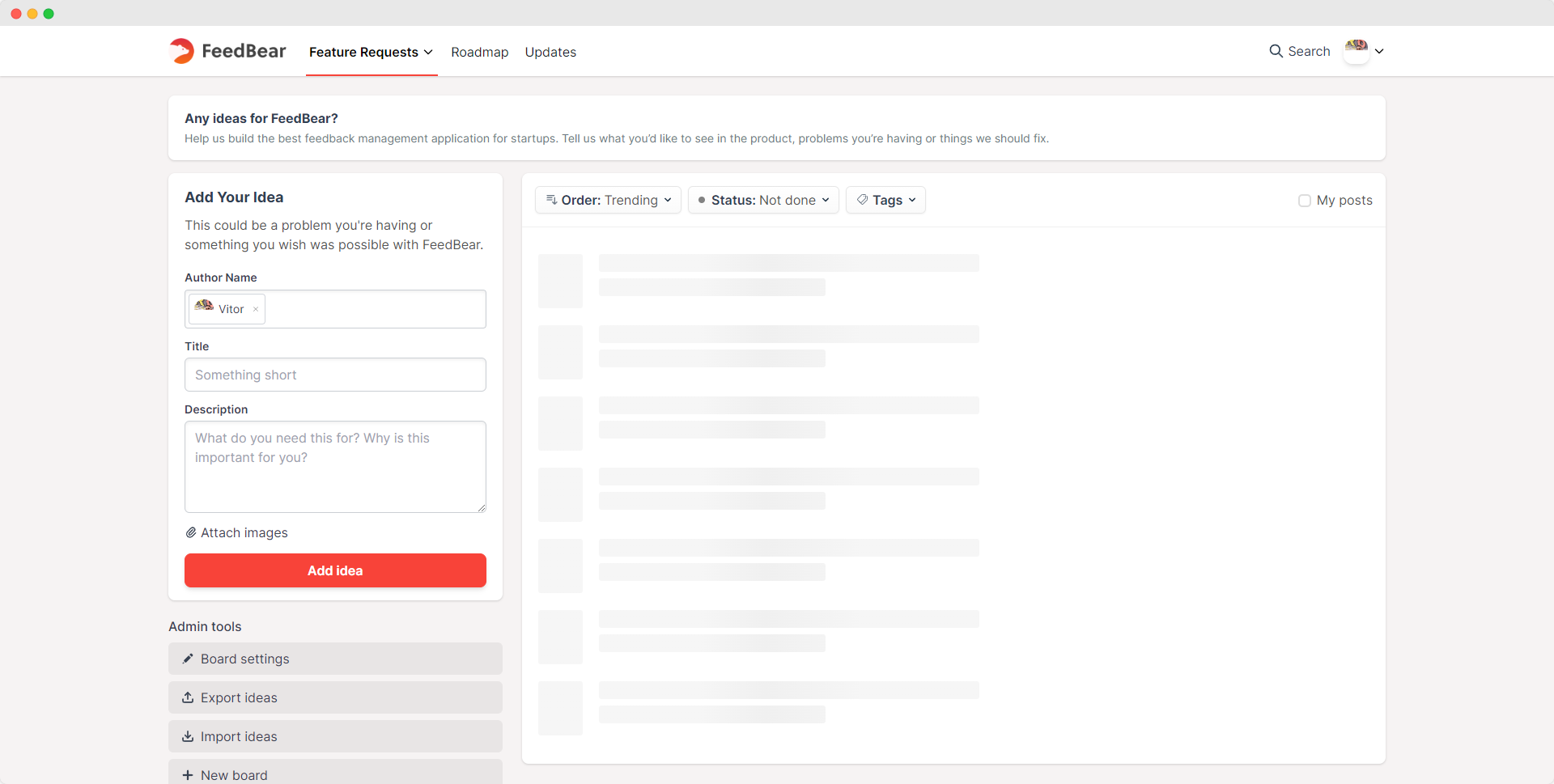
Whatever you write in the idea form will now be auto-saved, so if you go to a different page and then back to the form, everything you wrote will still be there.
You can now add ideas to your board directly from your Roadmap page.
The new author selection input also allows you to add ideas on behalf of users, so you can easily gather their ideas from other sources and add them to your boards.
You can now moderate which ideas will be visible to users.
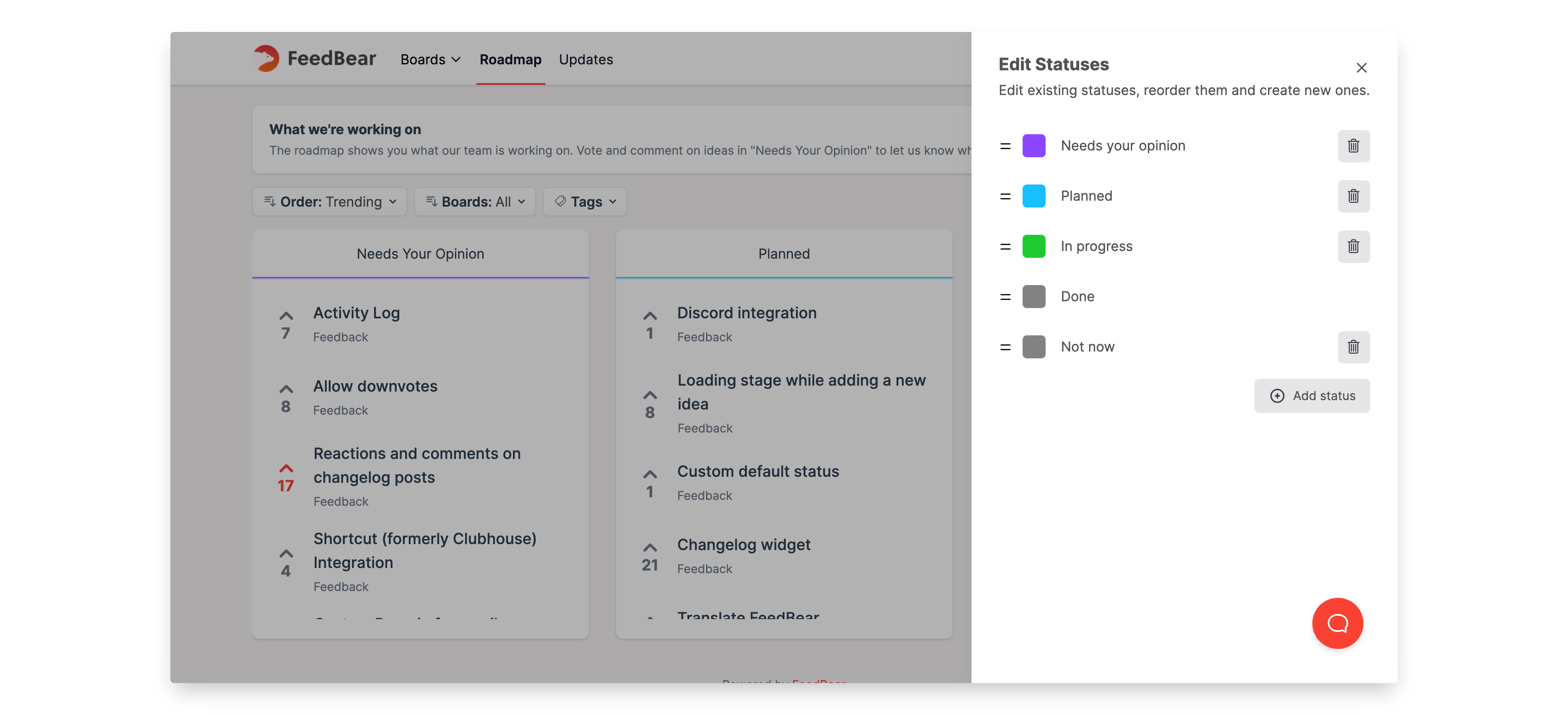
From the board settings, you can assign the "Not set" status for all new ideas and then hide that status from users, so only admins will be able to see them.
This is extremely useful for those that want to review the ideas provided by users before making them visible on the boards.
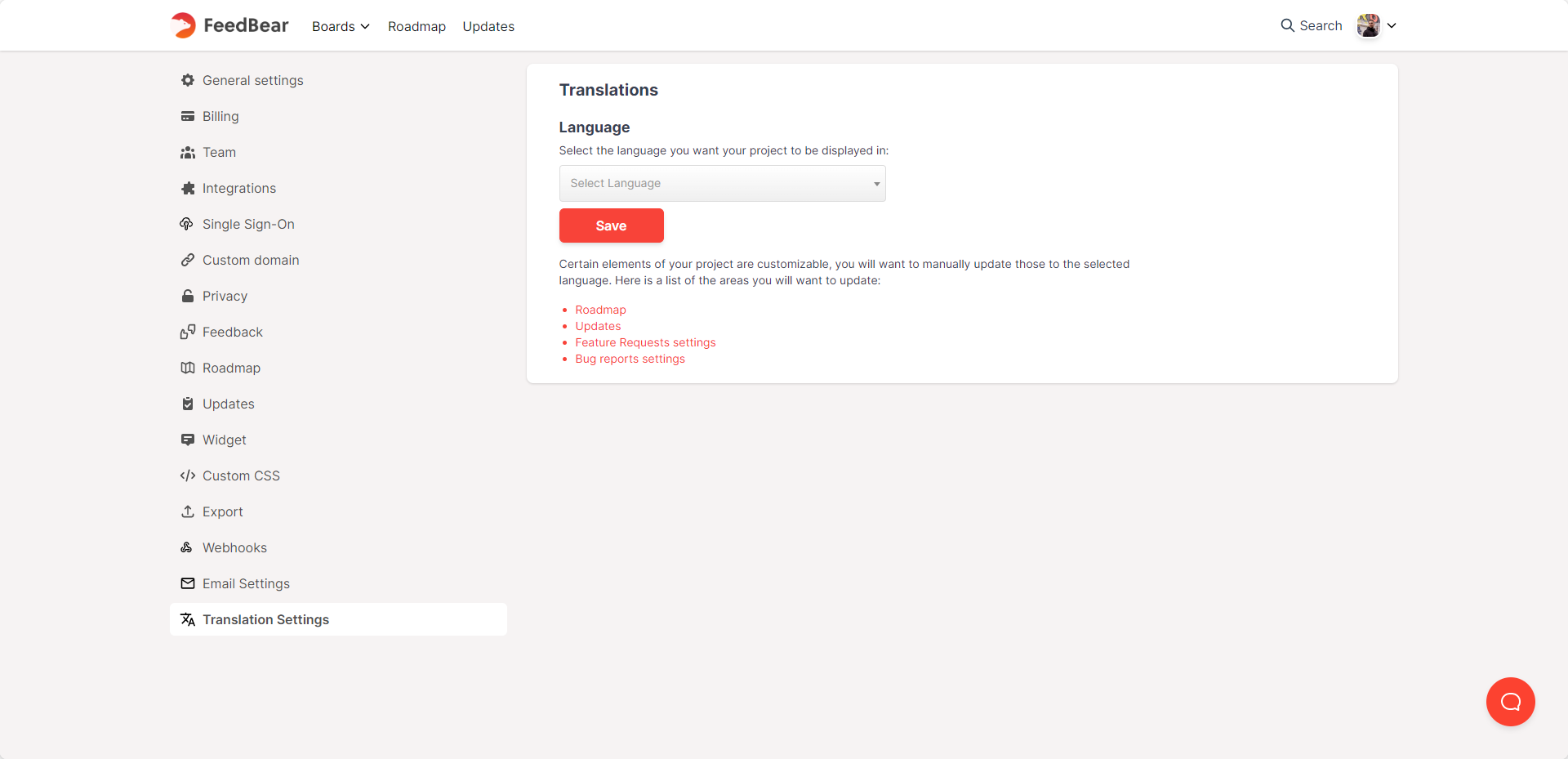
If English is not the primary language of your users, you will be happy to hear that we have implemented translated interfaces for our boards, roadmap, and updates pages.
To activate a different language for your project, go to "Project Settings > Translations Settings", there you will find a list of all the available languages that can be applied.
We are looking for people to help us translate FeedBear into more languages, if you are willing to assist let us know!
We have performed some nice improvements to our widget, in order to make it more flexible and easier to use.
You no longer need to generate an SSO token to use the widget, you can now simply copy its code and paste it directly on your website. In this case, users will be asked to provide a name and email.
The documentation on how to use the widget has also been updated accordingly. You can find the documentation clicking here.
Make sure to give it a try and start asking your users to share their ideas with you!
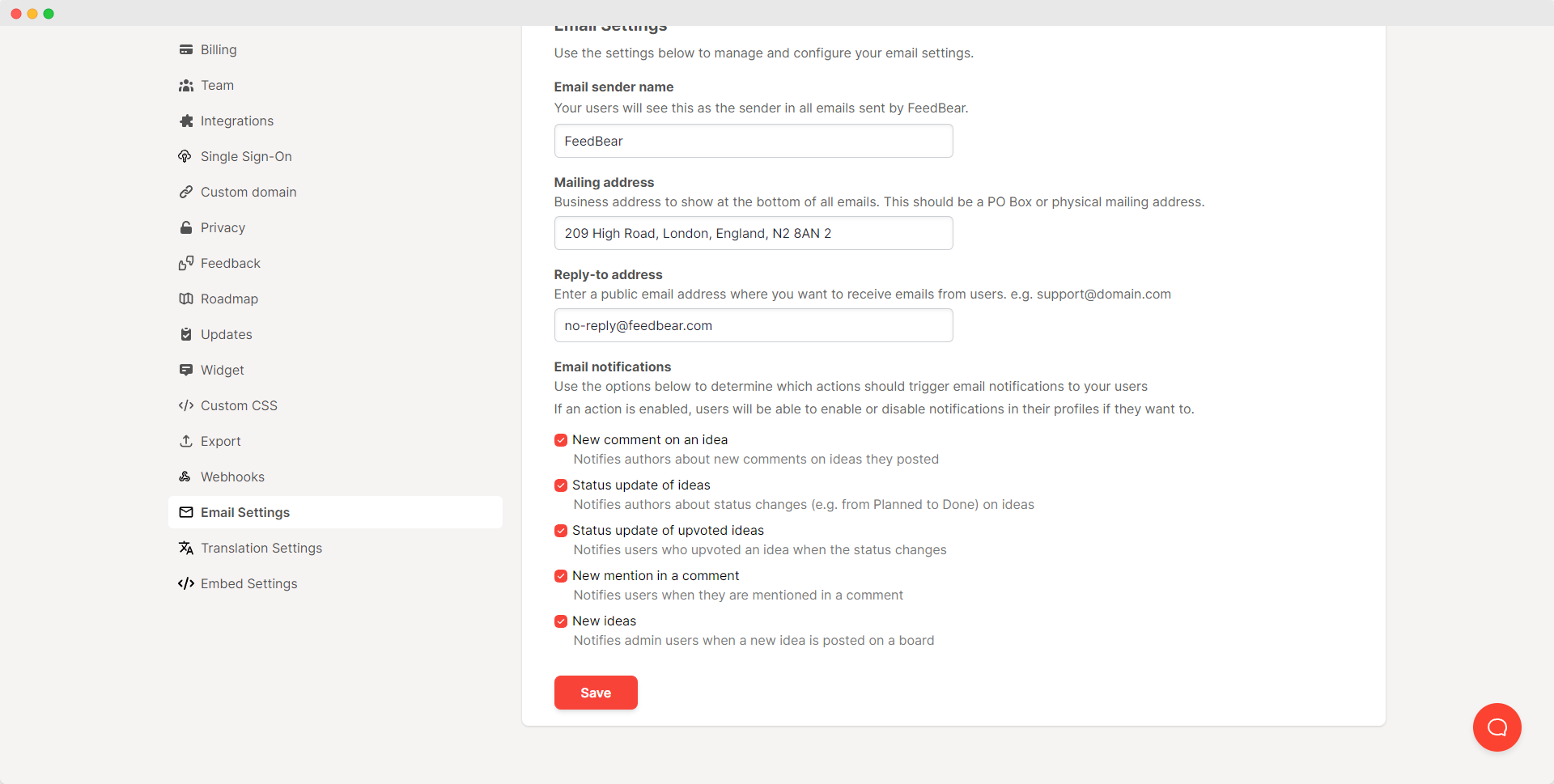
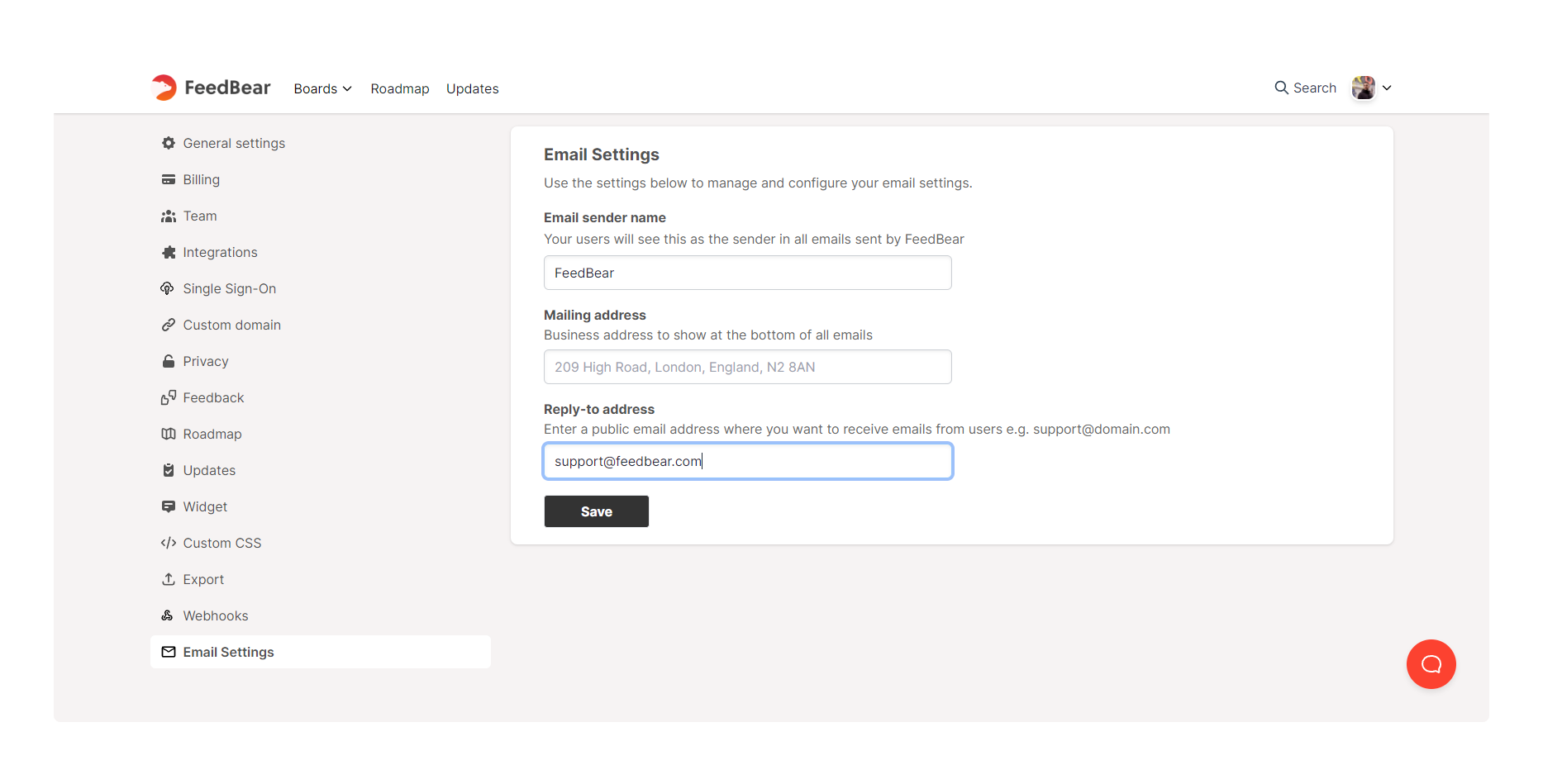
You can now customize some aspects of email notifications that are sent to users, allowing you to better incorporate your company details on those messages as well as better manage any responses that are sent to those emails.
You can now integrate your website login system with your FeedBear project.
We are slowly rolling this feature out to our customers, if you are interested in using SSO for your project send us a message at support@feedbear.com and we will be happy to help with activating it for you.
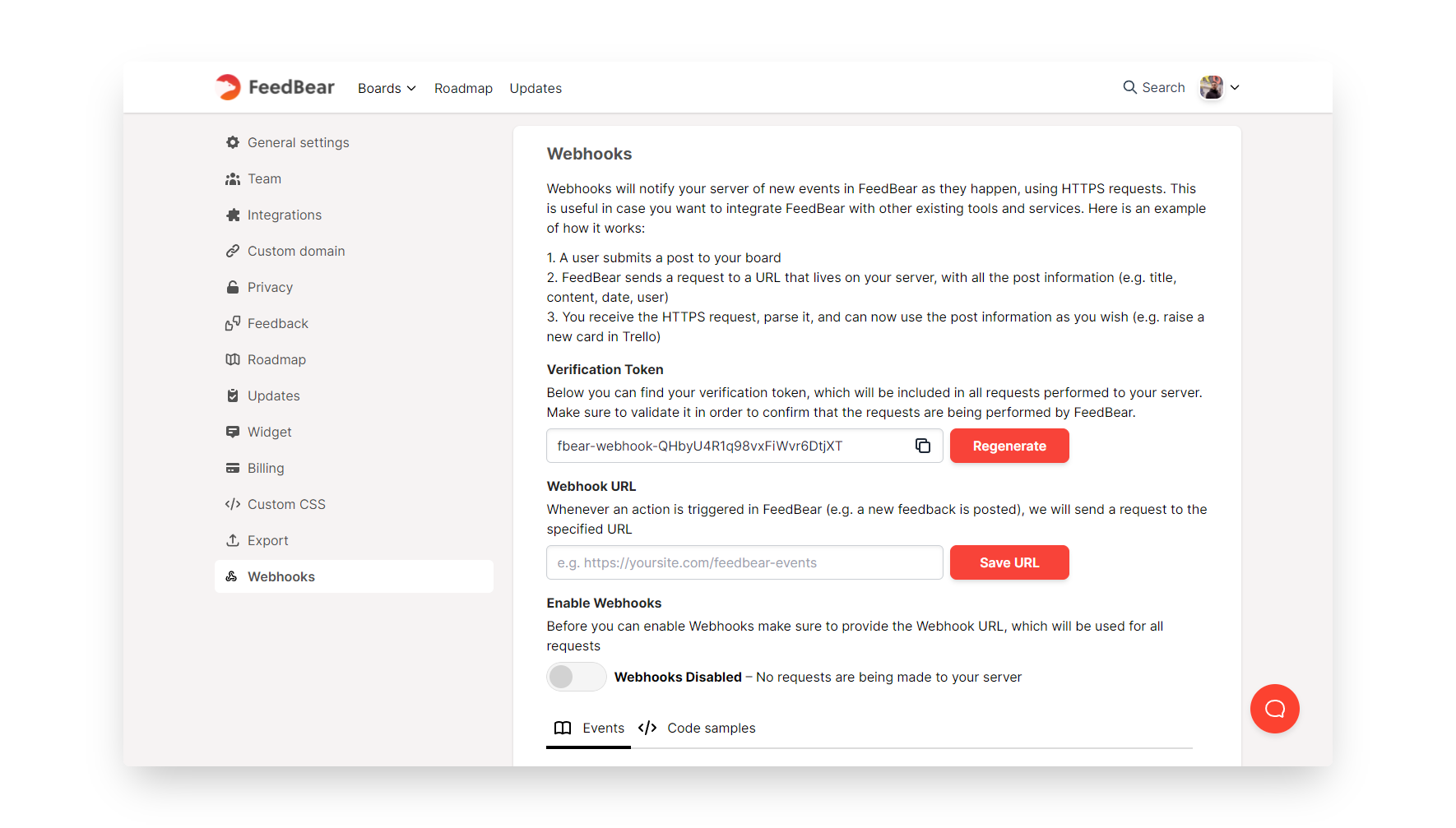
You can now use Webhooks to integrate your boards with third-party platforms.
Create cards in Trello, add entries to a Google Spreadsheet, or simply send an email to your team members when an Idea is added to your board, the possibilities are endless.
The "Webhooks" tab can be found in your "Project settings".FeedBear Webhooks
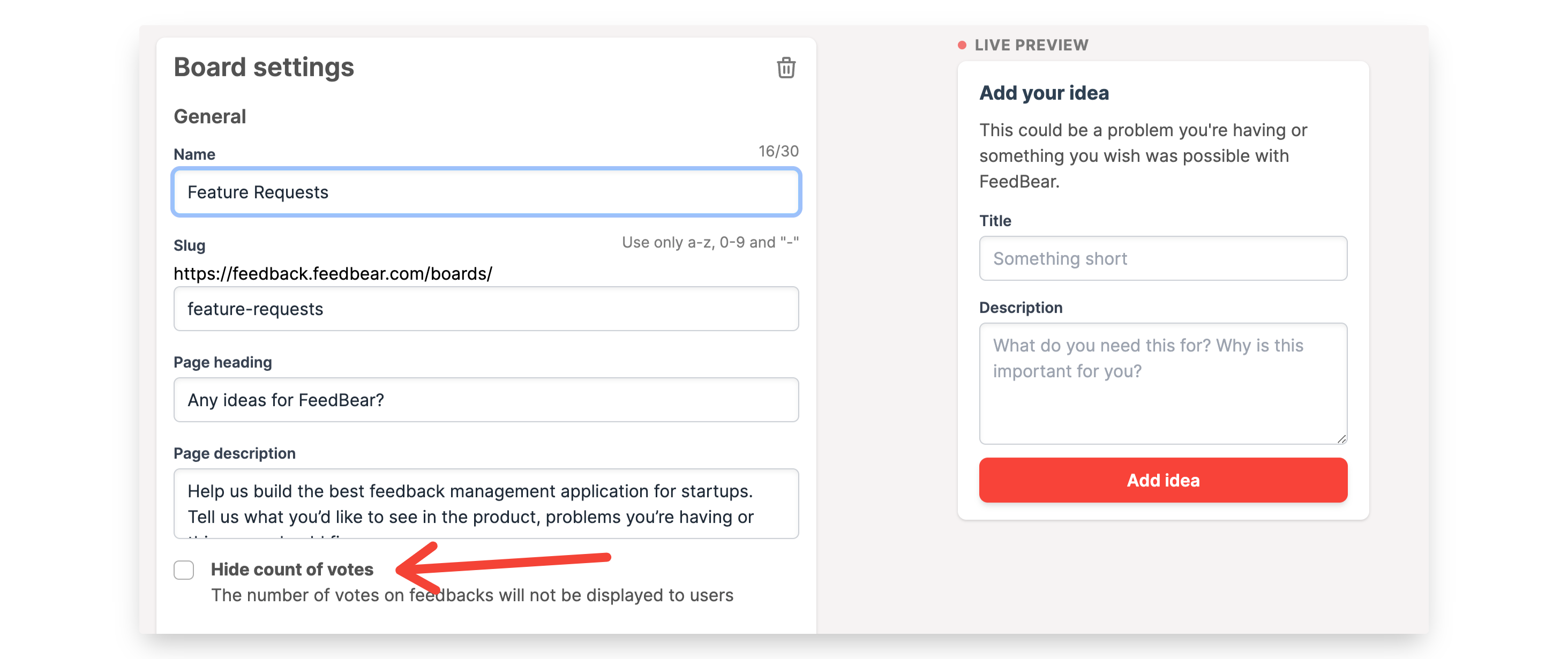
You can now hide the count of votes for ideas in any of your idea boards.
This can be useful if you don't want people to be influenced by existing vote counts or if it's not information you'd like to display publicly. You can access this setting from "Board settings" for all of your boards.
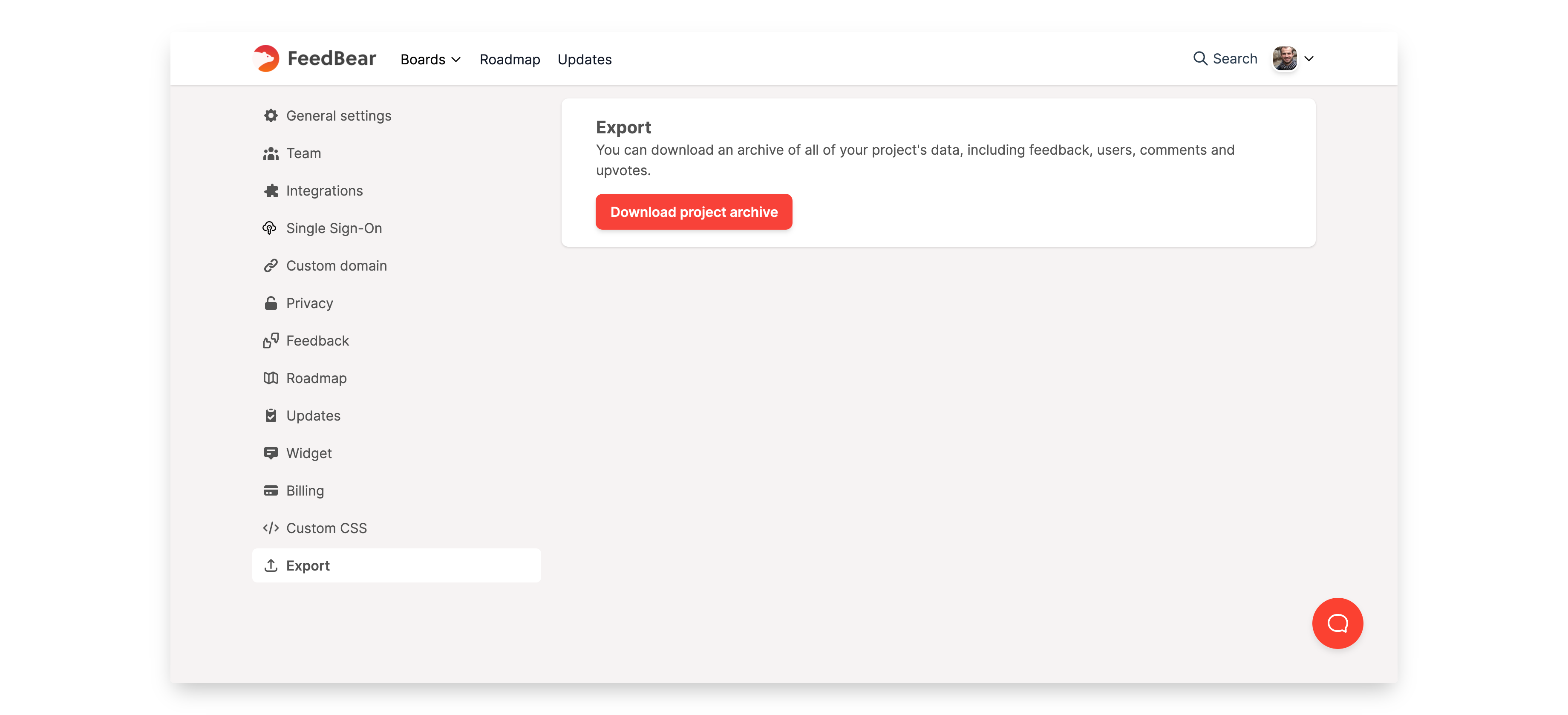
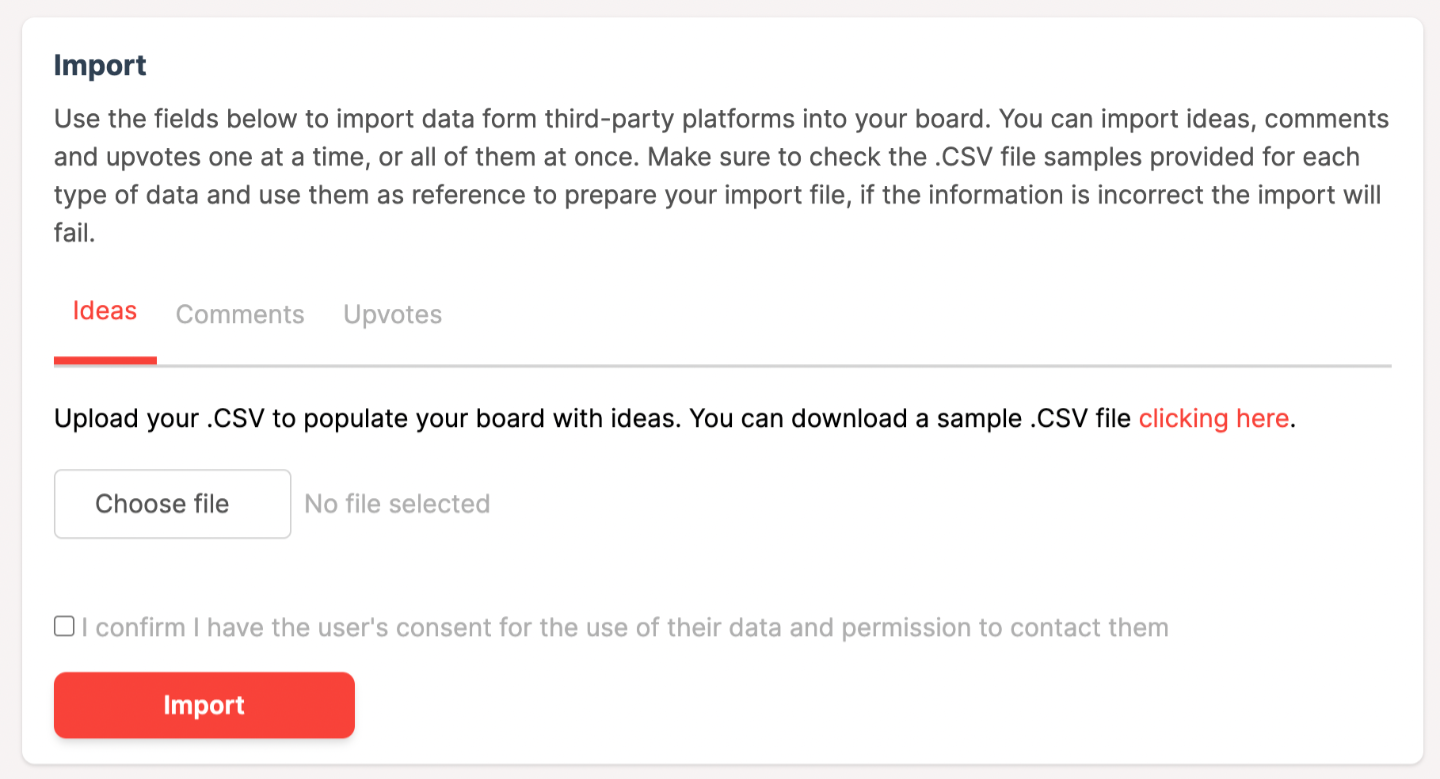
You can now export your entire's project data, including feedback, comments, users and upvotes. You'll find this in the "Export" tab in "Project settings".
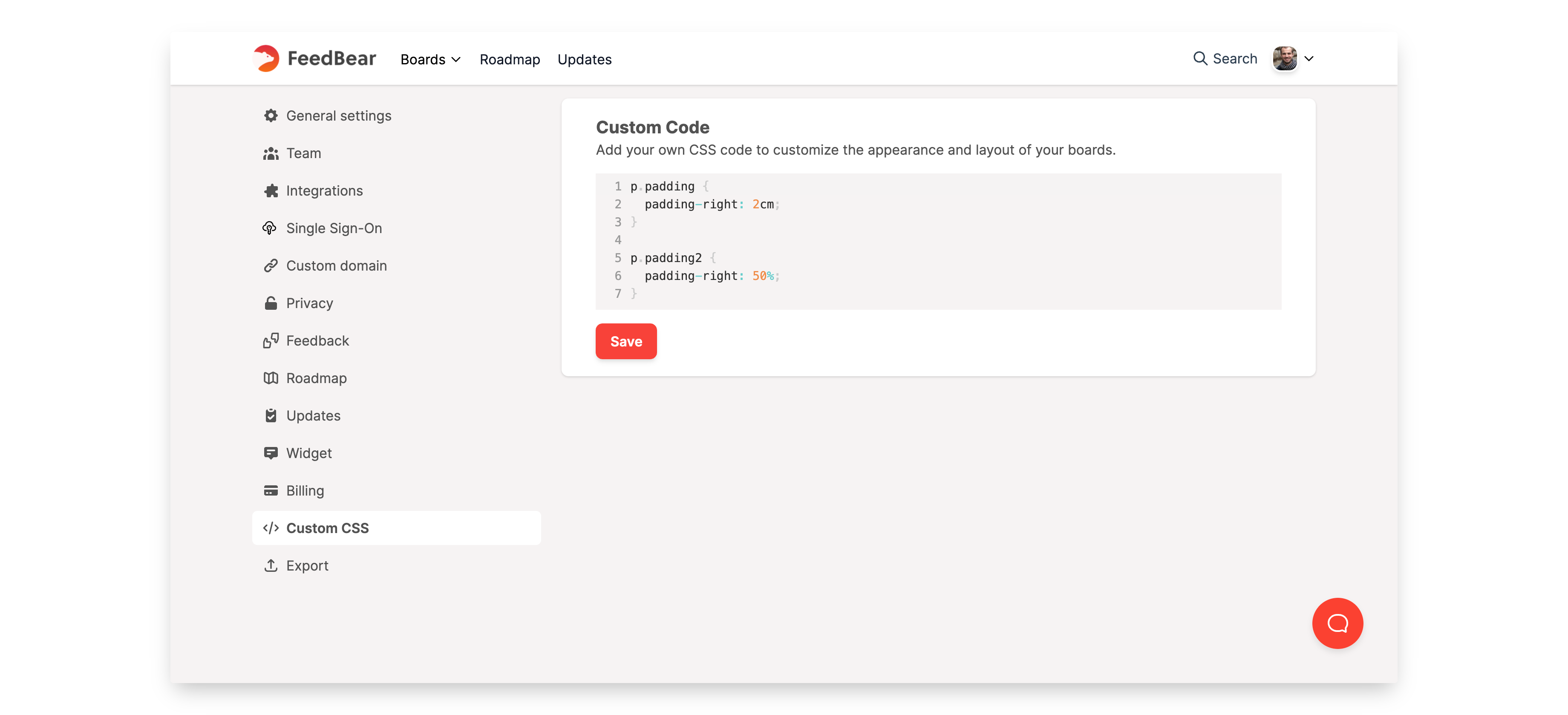
You guys have asked for it and we listened. You can now add Custom CSS to your FeedBear project, allowing you to customize its design to match your requirements and branding guidelines.
The Custom CSS feature is located under the Project Settings.
We hope you all enjoy this feature! Get creative with the possibilities!
.png)
.png)
.png)
.png)
.png)
.png)